




With Epicor Insights around the corner, here’s what manufacturers are asking.
As Epicor Insights approaches this May, one question keeps coming up in conversations with manufacturers:
“What’s the best way to integrate Epicor ERP with eCommerce—and actually make it work for Sales?”
Not just technically. But in a way that improves quoting speed, enables customer self-service, and protects margins.
Because while Epicor ERP is powerful, many manufacturers are still struggling with how selling happens around it.
Quick Answer: Best Practices for Epicor ERP eCommerce Integration
Based on our customer implementations and conversations with Epicor ERP partners, the most effective Epicor ERP eCommerce integration strategies follow these five core principles:
- Keep Epicor as the system of record for pricing, inventory, and orders
- Use real-time, API-based Epicor ERP integration instead of batch syncing
- Avoid heavy customization inside Epicor
- Unify Epicor CPQ integration, eCommerce, and customer portals
- Choose solutions that deploy quickly with minimal IT lift
These best practices help manufacturers improve quoting speed, enable self-service buying, and scale revenue without replacing their ERP.
Why Epicor ERP eCommerce Integration Matters Now
Heading into Epicor Insights, the pattern is clear:
Manufacturers are struggling with how to connect Epicor ERP to eCommerce and modern selling workflows – and often, that is a result of Sales and IT operating completely independently.
That’s why both teams feel the impact of these common challenges, they don’t always know the root cause – or how to solve:
- Manual or slow quoting processes
- Disconnected buying experiences
- Limited Epicor customer portal integration
- High IT dependency for even small changes
So what happens is that while revenue may be growing, margins often aren’t.
And the gap isn’t Epicor itself.
It’s how it’s being used to support selling.
Best Practice #1: Keep Epicor as the System of Record
When you integrate Epicor ERP with eCommerce, Epicor should remain the system of record for:
- Pricing
- Inventory
- Orders
- Customer data
But it shouldn’t be responsible for the customer-facing experience.
Best practice: Separate your Epicor ERP system of record from your eCommerce and CPQ experience layer.
Best Practice #2: Use Real-Time Epicor ERP API Integration
Many manufacturers still rely on batch processes when connecting Epicor ERP to eCommerce.
This creates:
- Outdated pricing
- Inventory mismatches
- Slower quoting
Best practice: Use real-time, bidirectional APIs for Epicor ERP API integration.
This enables:
- Accurate pricing
- Faster sales cycles
- Better customer experiences
Best Practice #3: Avoid Customizing Epicor for eCommerce
Trying to force eCommerce into Epicor leads to:
- Long implementation timelines
- High costs
- IT bottlenecks
Best practice: Use an external platform for Epicor ERP eCommerce integration without customization.
Extend Epicor—don’t modify it.
Best Practice #4: Unify Epicor CPQ, eCommerce, and Customer Portals
Fragmentation is one of the biggest barriers to growth.
- CPQ is separate
- Portals are limited
- eCommerce is disconnected
Best practice: Implement a unified Epicor-integrated CPQ + eCommerce + customer portal solution. While manufacturers often shop for solutions when they need them – CPQ for quoting, eCommerce for digital selling, that’s not how buyers shop. They want a smooth, frictionless experience during the complete journey so having an all-in-one solves for that – and up front vs later. More affordable, less different platforms to manage, and seamless workflows.
Best Practice #5: Enable Epicor Customer Portal Integration
Customers expect self-service.
A strong Epicor customer portal integration allows them to:
- View pricing
- Request quotes
- Place orders
Without it, sales becomes a bottleneck, fielding “Where’s my order?” calls versus driving account acquisition and expansion.
Best Practice #6: Prioritize Speed-to-Value
Many Epicor ERP eCommerce implementation timelines stretch too long.
That delays:
- ROI
- Adoption
- Impact
Best practice: Choose solutions that integrate with Epicor seamlessly that deploy in weeks—not months.
How Aleran Extends Epicor ERP
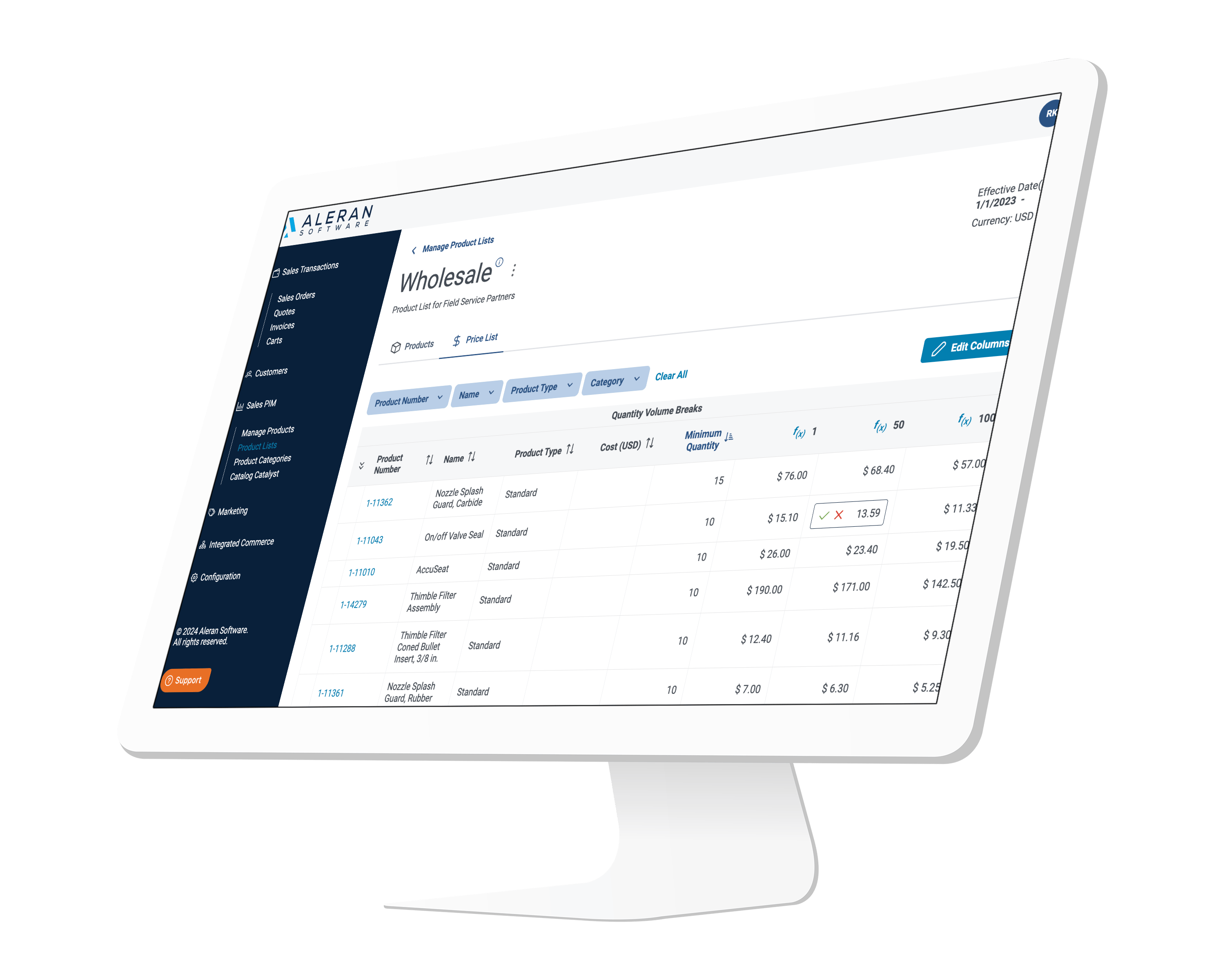
Aleran acts as a connected commerce layer above Epicor ERP.
We enable:
- Real-time Epicor ERP API integration
- Unified CPQ, eCommerce, and portals
- Faster quoting and buying experiences
We work in partnership with the Epicor ERP – and with its partners to implement. It is not one or the other.
In Summary: Epicor ERP eCommerce Integration Best Practices
As you head into Epicor Insights, the takeaway is simple:
- Keep Epicor as your system of record
- Extend it with modern selling capabilities
- Focus on speed, simplicity, and experience
That’s how manufacturers turn Epicor into a growth engine—not just an operational system.
Let’s Talk
If you’re attending Epicor Insights this May and evaluating Epicor ERP eCommerce integration, let’s connect.
👉 See how Aleran extends Epicor in real time by scheduling time with us.
Related Resources
The manufacturers pulling ahead aren’t doing rip-and-replace projects. They’re modernizing incrementally—without disrupting operations.
Related reading: Built to Sell 2025: How manufacturers are modernization with digital commerce, AI and automation – without disruption.
Top FAQs
What are the best practices for integrating Epicor ERP with eCommerce platforms?
The best practices for Epicor ERP eCommerce integration include keeping Epicor as the system of record, using real-time API-based integration, avoiding heavy ERP customization, unifying CPQ, eCommerce, and portals, and prioritizing fast deployment with minimal IT involvement.
Do I need to replace Epicor ERP to implement eCommerce or CPQ?
No. You do not need to replace Epicor ERP. The most effective approach is to extend Epicor with a modern eCommerce and CPQ platform that connects through APIs while keeping Epicor as the system of record.
What is the best way to integrate Epicor ERP with eCommerce?
The best way to integrate Epicor ERP with eCommerce is through real-time, bidirectional API integration. This ensures accurate pricing, inventory, and order data while enabling faster quoting and a better customer experience.
Can Epicor ERP support real-time pricing and inventory for eCommerce?
Yes. With proper Epicor ERP API integration, Epicor can deliver real-time pricing, inventory, and customer-specific data to eCommerce and CPQ platforms, ensuring accuracy and consistency.
How long does Epicor eCommerce integration take?
Traditional Epicor eCommerce integration projects can take 6–12 months. However, modern solutions that extend Epicor externally can often be deployed in weeks or a few months, depending on complexity.
Should I customize Epicor ERP to support eCommerce workflows?
No. Customizing Epicor ERP for eCommerce workflows is not recommended. It increases cost, complexity, and upgrade risk. The best practice is to extend Epicor with an external platform designed for selling.
What is Epicor CPQ integration and why does it matter?
Epicor CPQ integration connects configure-price-quote capabilities directly to ERP data. This allows sales teams and customers to generate accurate quotes quickly using real-time pricing and product configurations.
What is the role of customer portals in Epicor ERP integration?
Customer portals enable self-service access to pricing, orders, and reordering. A strong Epicor customer portal integration reduces manual workload for sales teams and improves the customer buying experience.
What are the biggest challenges with Epicor ERP eCommerce integration?
The most common challenges include reliance on batch data syncing, over-customization of the ERP, disconnected systems (CPQ, eCommerce, portals), and long implementation timelines.
What is the fastest way to modernize quoting with Epicor ERP?
The fastest way to modernize quoting is to implement a CPQ solution that integrates directly with Epicor and connects to eCommerce and customer portals, enabling real-time, accurate quotes.
How does Aleran integrate with Epicor ERP?
Aleran integrates with Epicor ERP through real-time APIs, acting as a connected commerce layer that unifies CPQ, eCommerce, and customer portals without requiring heavy ERP customization.
